Spacecode Diamond Drawer
Installation
The Spacecode Diamond Drawer is installed by Spacecode employees. Your only concern is keeping it near a power supply and an ethernet cable.
Usage
There is a seamless integration between the DiamondTracker software and the Spacecode Diamond Drawer. Once the setup by Spacecode employees is finished, users should be able to log in to DiamondTracker and view the drawer in both the Dashboard page and the Maintenance page.
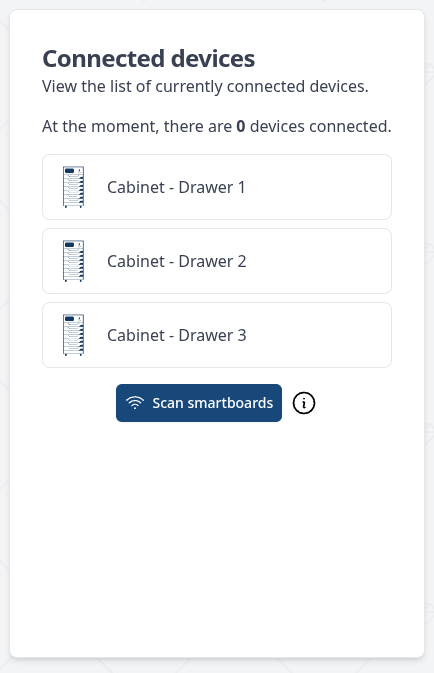
Once your drawer is connected to our system, every tag put into it will automatically be added in your inventory as a polished diamond. Initially the item will only have its RFID number property. Users are encouraged to add an SKU property to it and then attempt to fingerprint it using Spacecode's PolishedMatch or JewelMatch device.
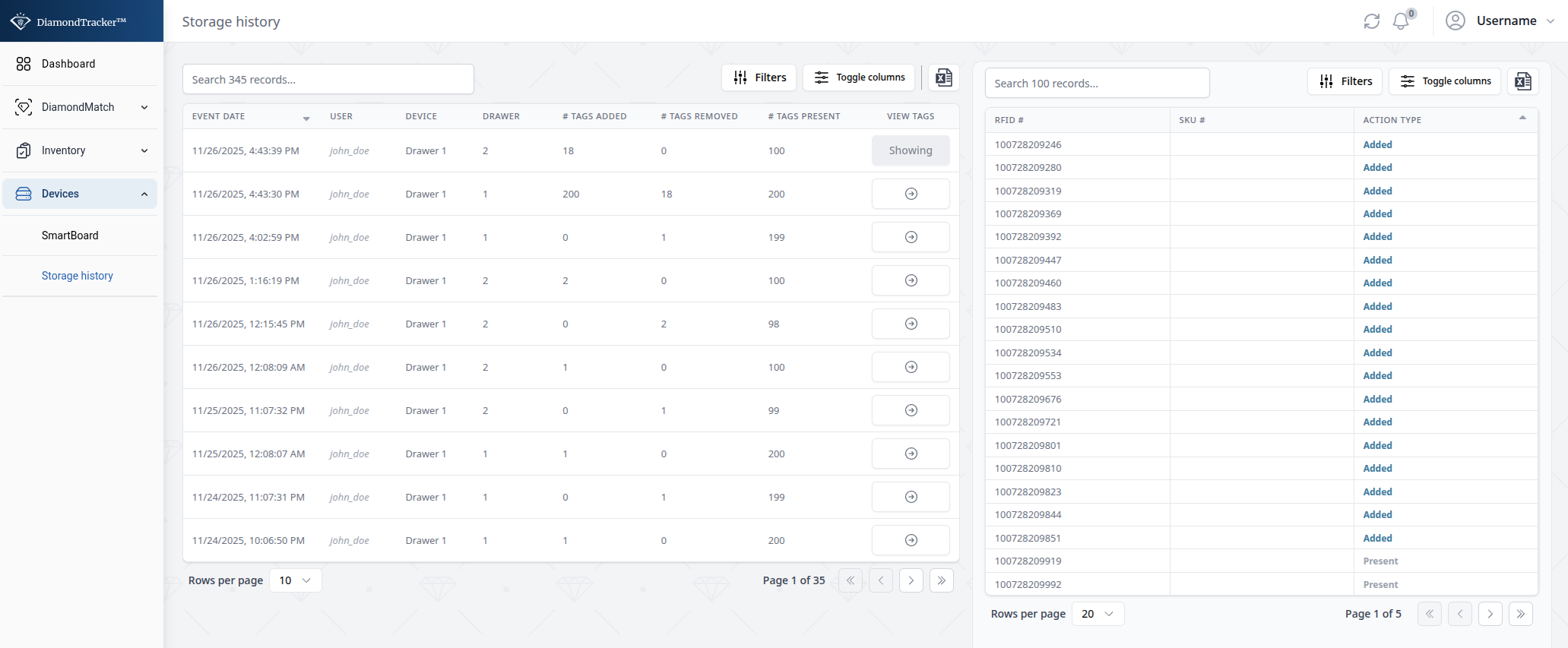
You can also view your drawer's actions in Devices/Storage history (or follow this link). In this screen you can view all the actions made in your drawer device alongside:
- The user(s) who did those actions
- The time each action happened
- How many tags were added/removed in each action
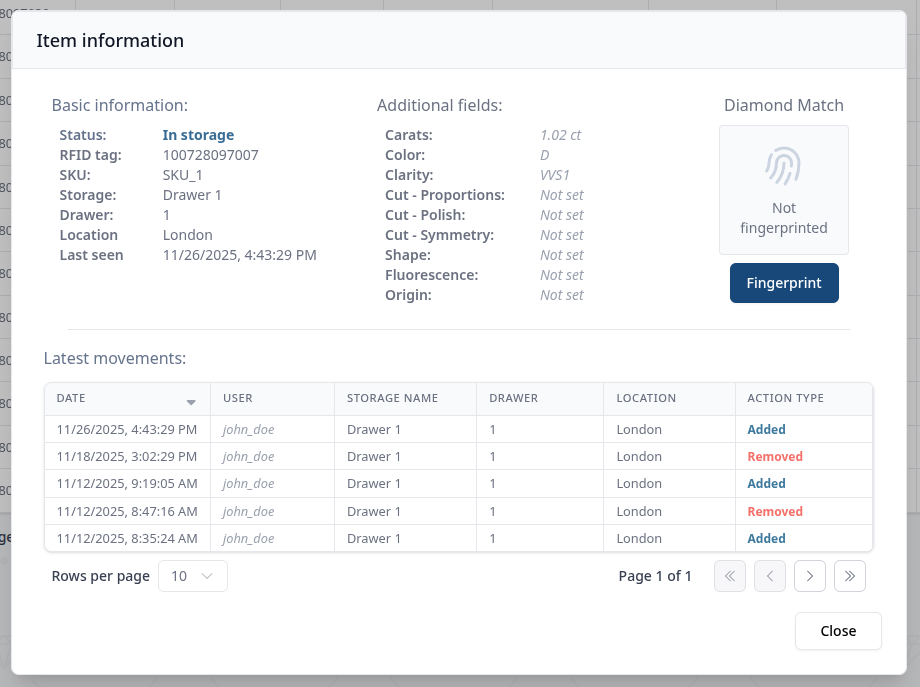
Alternatively you can view a specific item's history by double clicking on that row in the inventory (or press on the three dots (...) and then on Information )