Smartpad user manual
Installation
1.Hardware setup
We recommend to set up your Smartpad device on your desk next to your computer screen.
2. USB connection
Connect the device to a USB port on your PC with the provided USB cable.
3.Software
The Smartpad device can be used though the DiamondTracker inventory solution but it requires the DiamondMatch service to connect to it. You can download the latest version of the service from here.
Usage
1. Tag detection
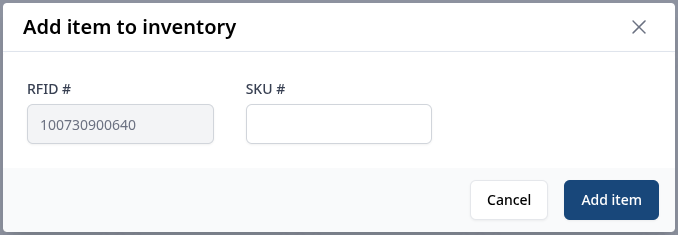
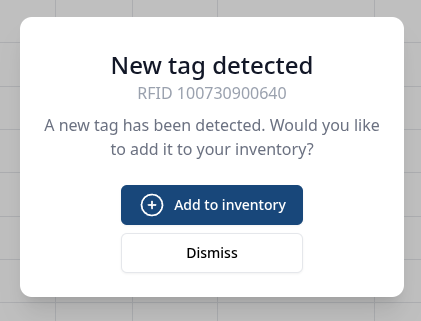
Once you place a tag on top of the Smartpad device, a pop up will appear on the DiamondTracker solution. If it is the first time the tag has been seen, the pop up will prompt the user to add the tag in the inventory.
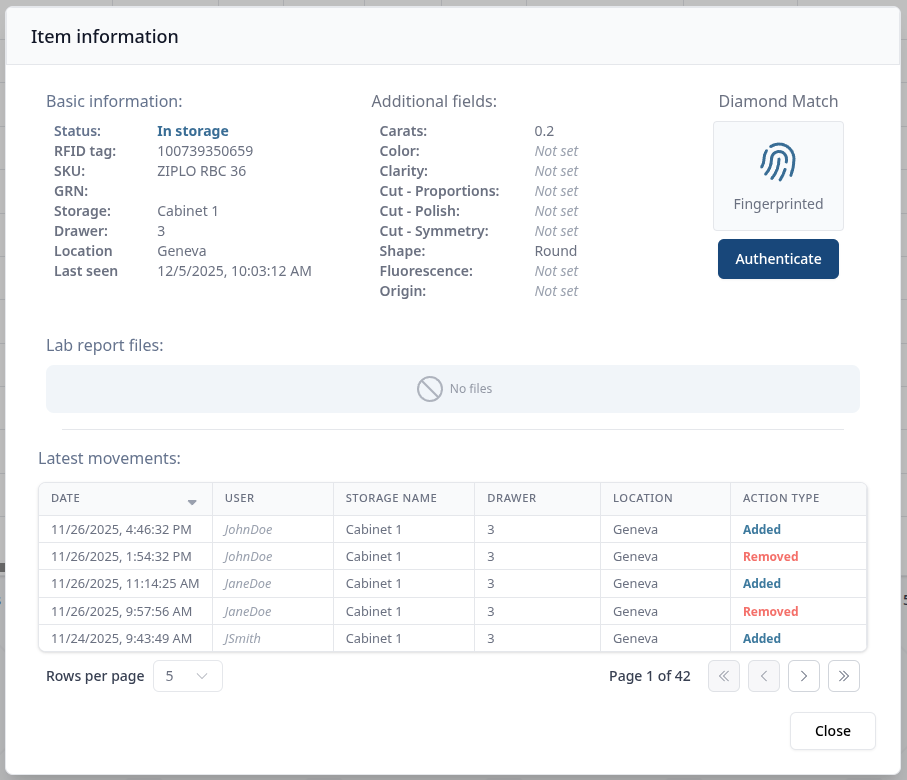
If the tag is already in the inventory, the pop up will instead display information about it
2. RFID association
You can associate an RFID tag with an inventory item only through the usage of RFID devices.
Info
Additional fields might be available depending on your configuration. The image below shows the bare minimum.